
 Deal Manager AI
Install the Excel Add-in
AI underwriting assistant built for commercial real estate. Lives inside Excel.
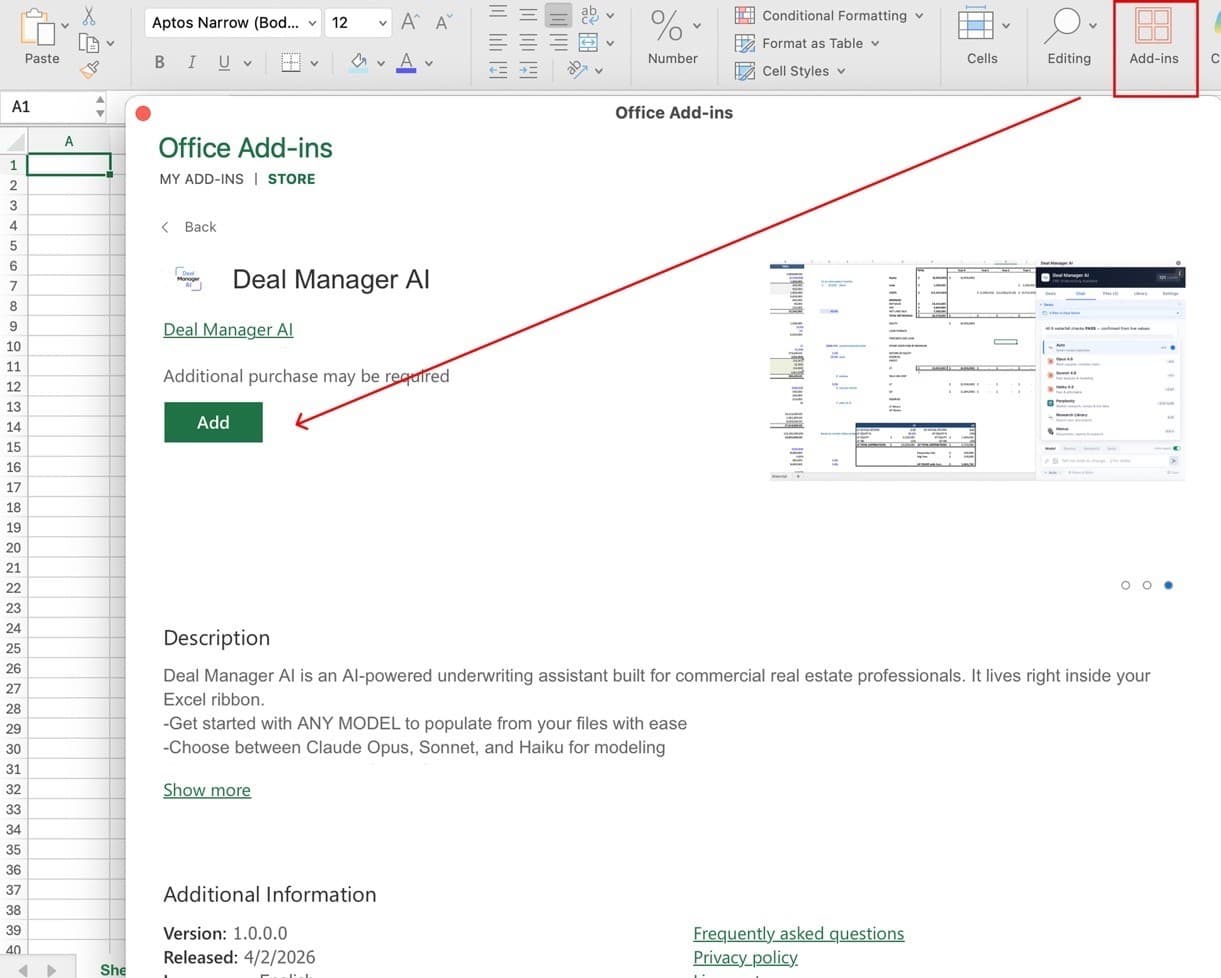
Requires Microsoft Excel installed (Mac or Windows desktop). Opens Excel and installs in one click.
Open Excel → click Add-ins in the ribbon (top right)
Search “Deal Manager AI” → click the green Add button
Sign in with your Deal Manager AI account. Done.
Show screenshot
Powered by




No separate subscription needed. You get all four with the Excel add-in.
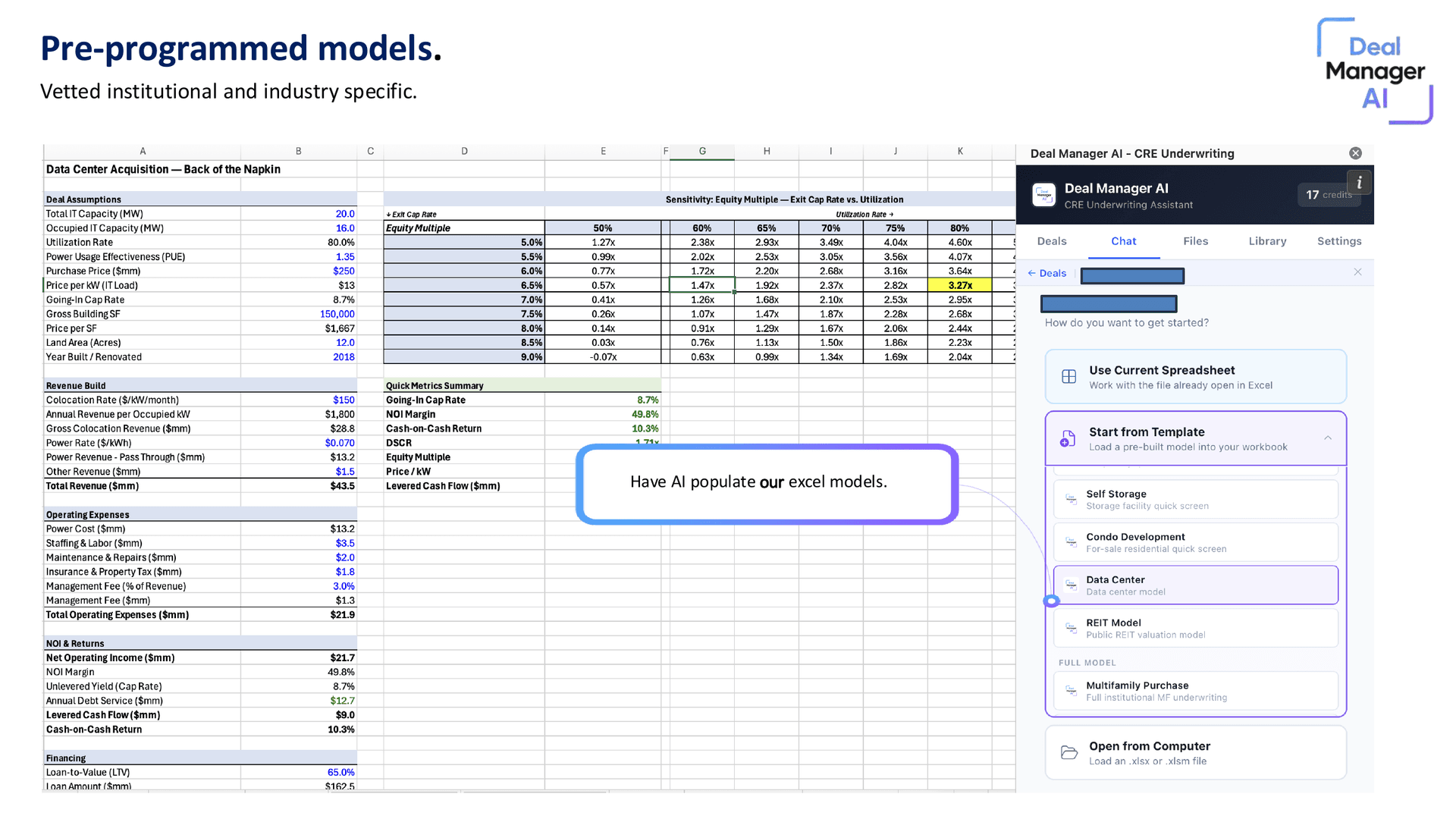
20+ institutional CRE models, ready to use
Vetted, industry-specific models for self storage, data centers, condo development, multifamily, REITs, and more. Pick one and start underwriting in under a minute.
Or use any model. Any asset class.
Drop your own Excel template in. The AI maps your structure automatically — no reformatting, no template lock-in.
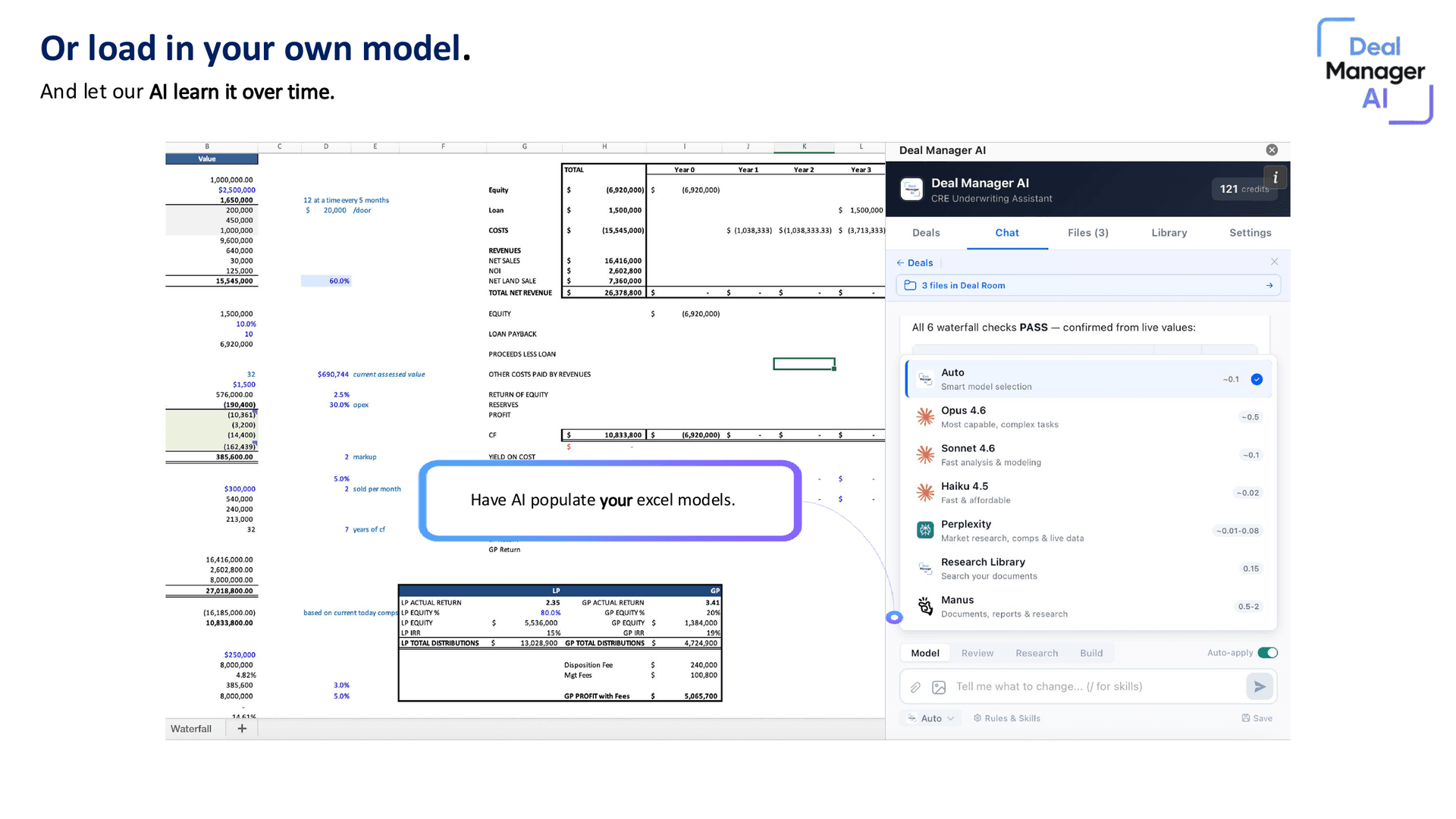
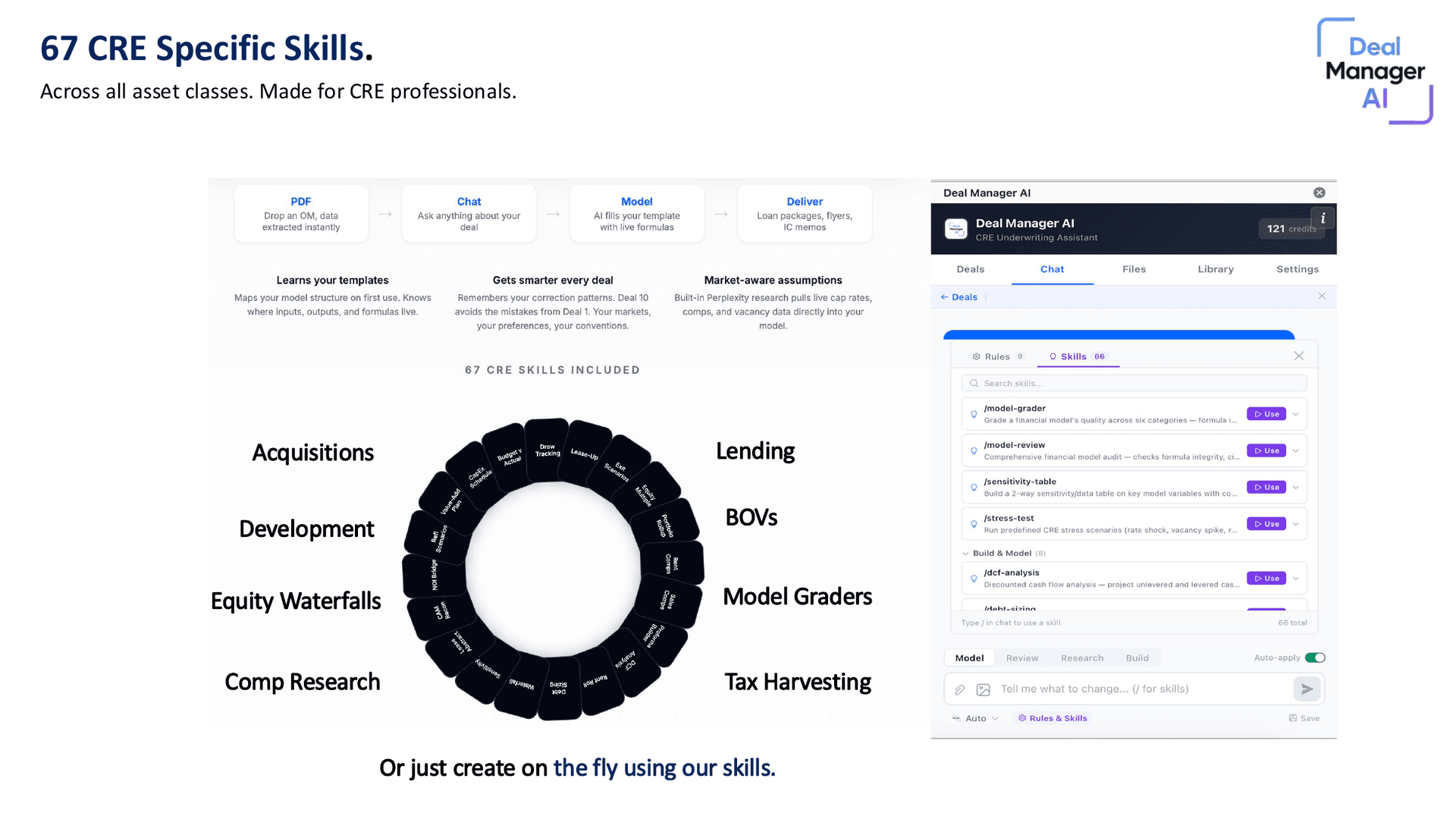
67 CRE-specific skills
Acquisitions, development, equity waterfalls, debt sizing, sensitivity tables, IC memos, model auditing — across every asset class.
Proforma Builder
DCF Analysis
Rent Roll
Debt Sizing
Waterfall
Sensitivity
Lease Abstract
CAM Recon
NOI Bridge
Refi Scenarios
Value-Add Plan
CapEx Schedule
Budget v Actual
Draw Tracking
Lease-Up
Exit Scenarios
Equity Multiple
Portfolio Rollup
Rent Comps
Sales Comps
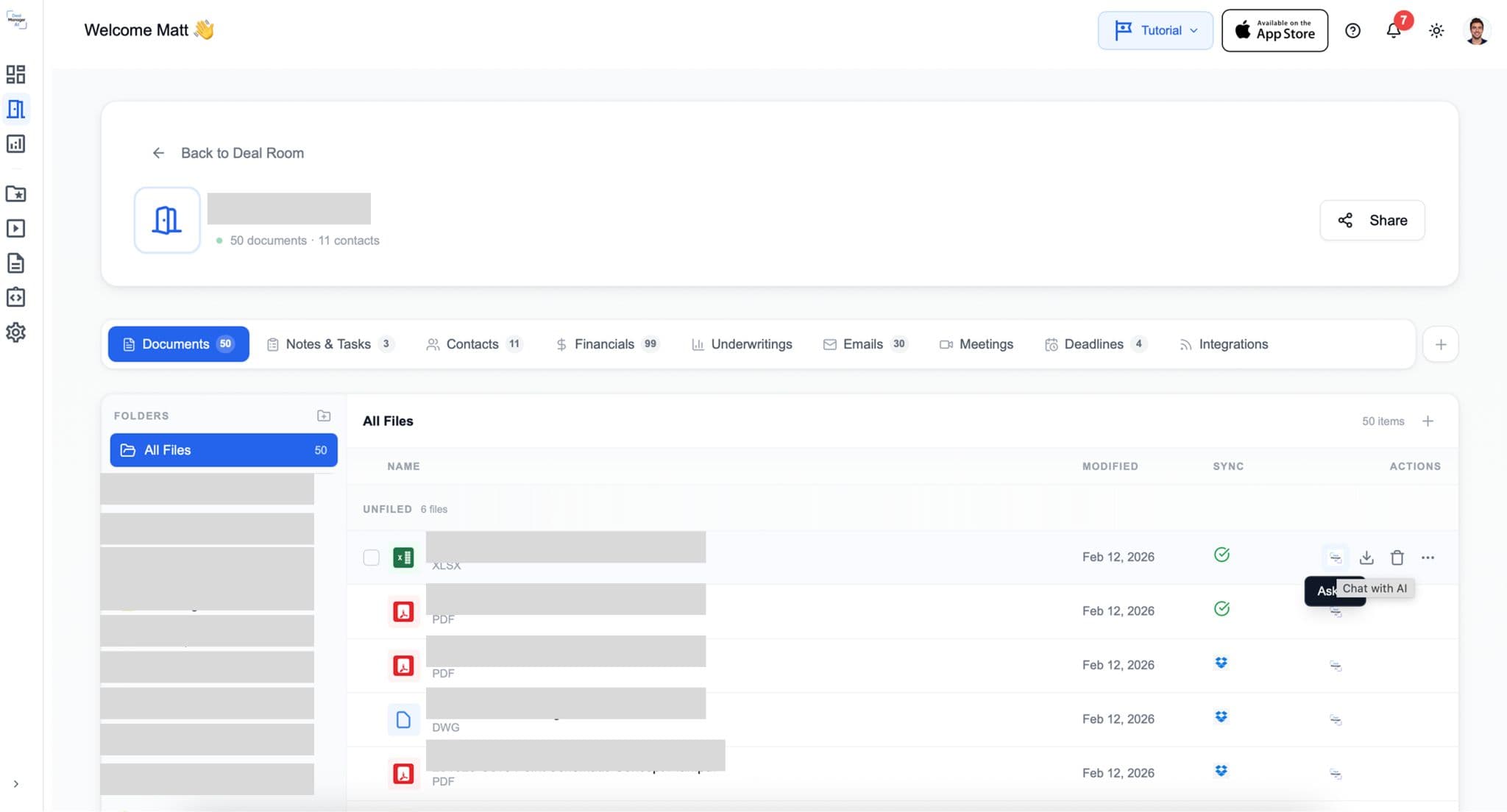
Every deal in one place
Documents, contacts, financials, emails, meetings, and deadlines — all searchable in your deal room. The add-in reads everything you save here.
Built for teams
Underwriters at the same firm see each other's work. No more version-control questions over Slack.
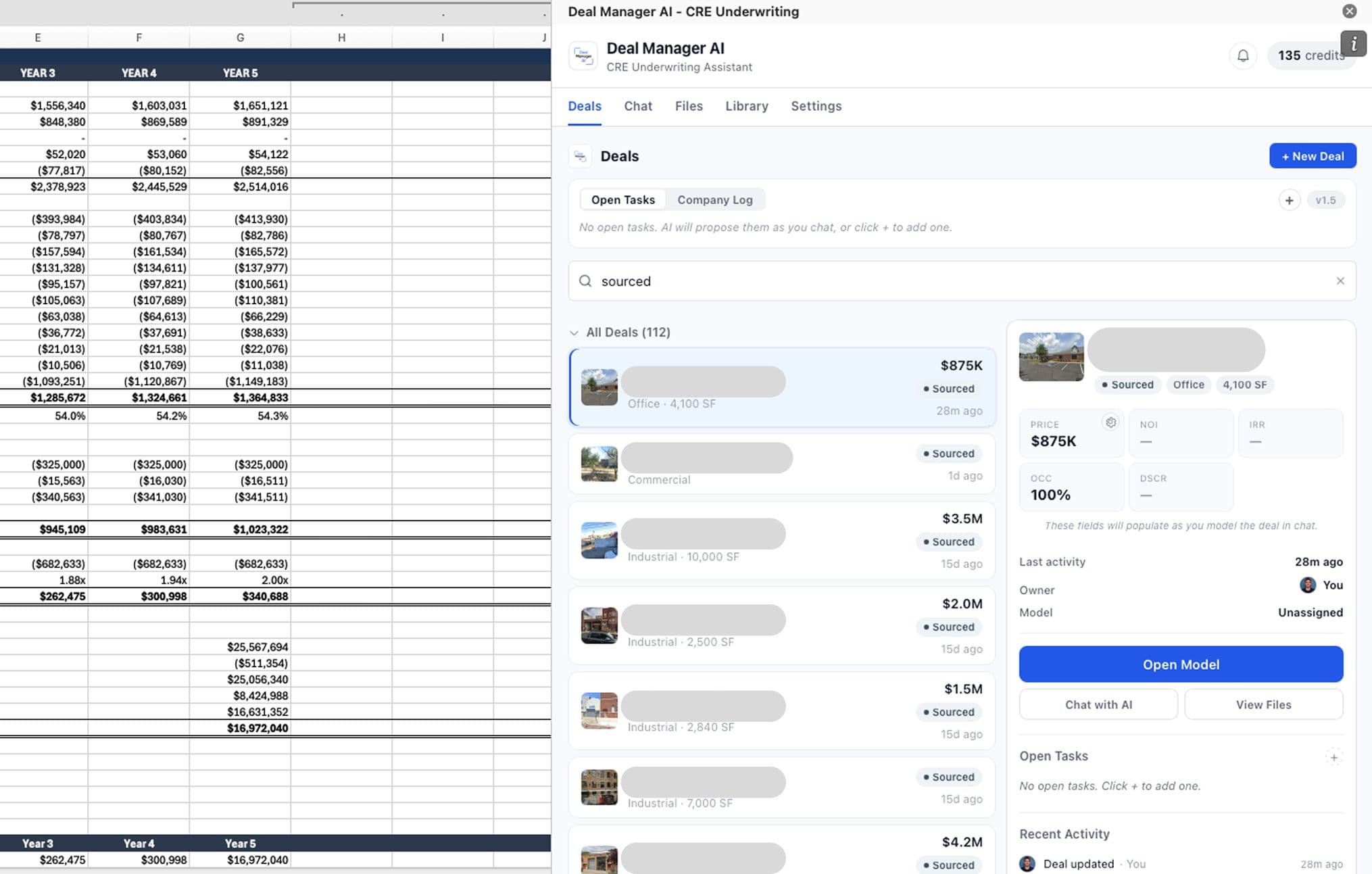
Personal Tasks
See what's on your plate across every deal you own — and what your teammates are working on.
Company Log
Track who's underwriting what model, in real time. No more 'who's looking at this?' over Slack.
Version History
Audit how your underwriting changes over time — across analysts, across iterations, across deals.